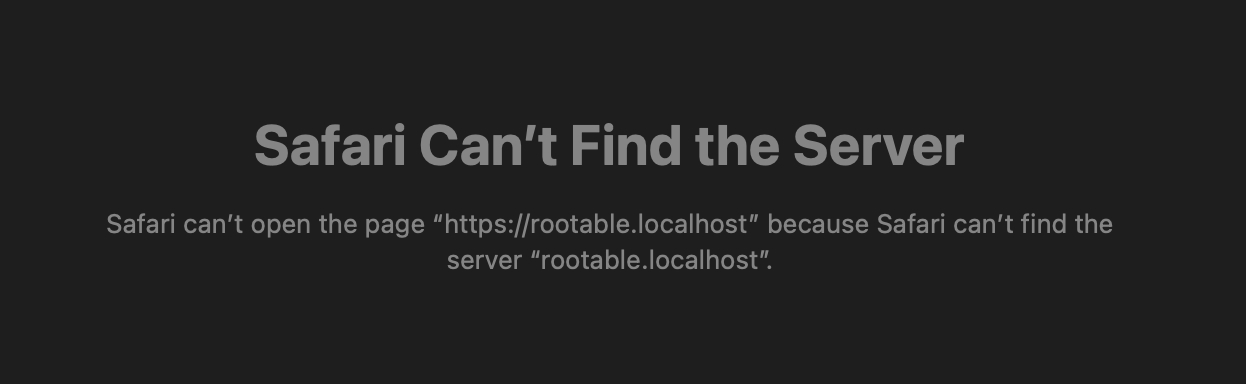
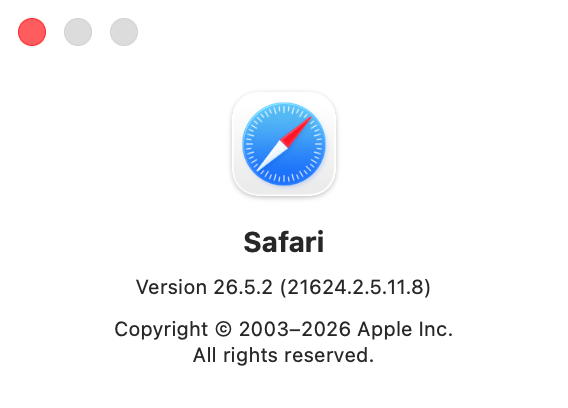
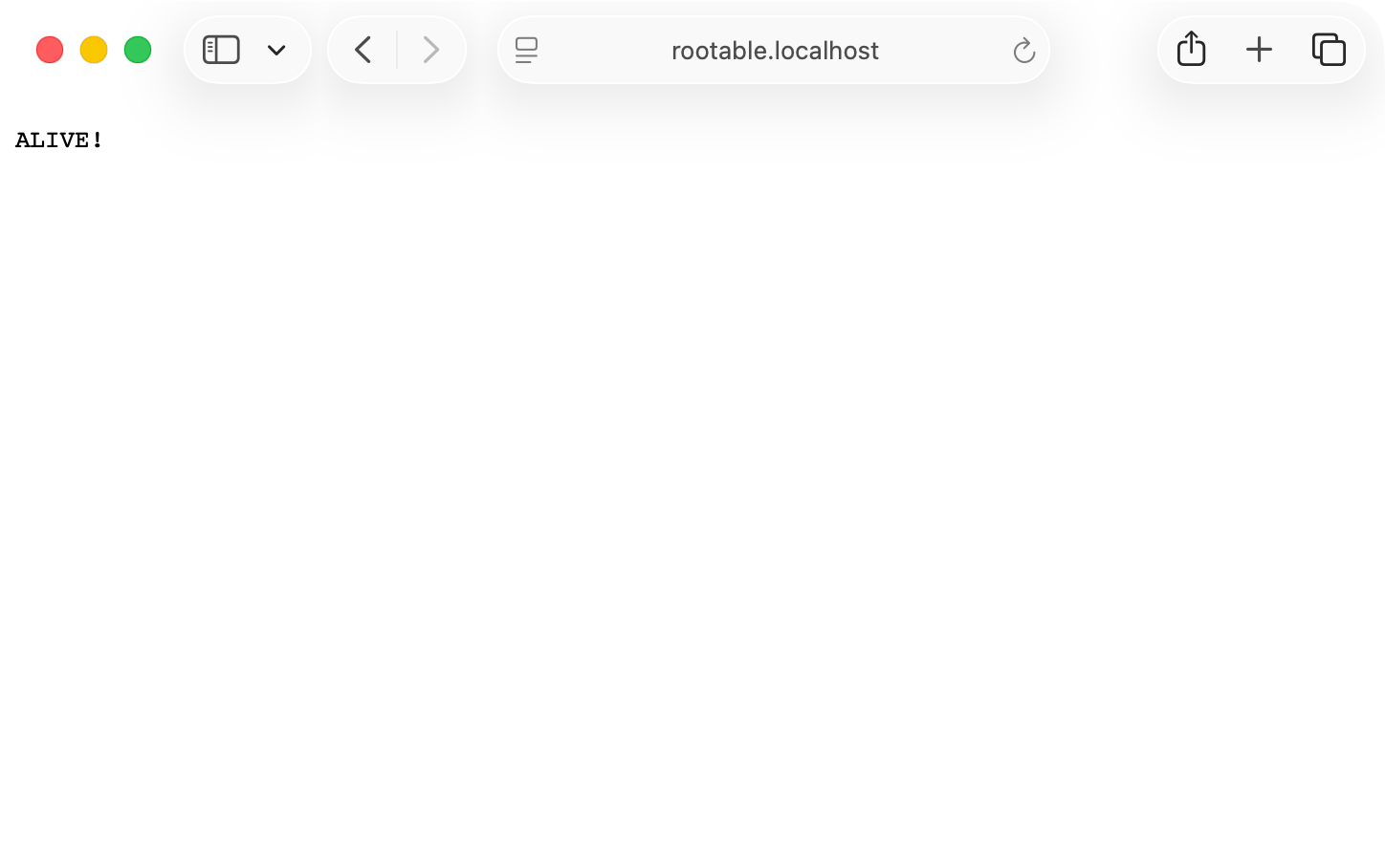
I cannot replicate your problem:
rootable.localhost {
  reverse_proxy localhost:3000
}
:3000 {
respond "ALIVE!"
}
$ grep localhost  /etc/hosts
# localhost is used to configure the loopback interface
127.0.0.1	localhost
::1             localhost
$ ping -c 3 rootable.localhost
PING localhost (127.0.0.1): 56 data bytes
64 bytes from 127.0.0.1: icmp_seq=0 ttl=64 time=0.132 ms
64 bytes from 127.0.0.1: icmp_seq=1 ttl=64 time=0.118 ms
64 bytes from 127.0.0.1: icmp_seq=2 ttl=64 time=0.244 ms

--- localhost ping statistics ---
3 packets transmitted, 3 packets received, 0.0% packet loss
round-trip min/avg/max/stddev = 0.118/0.165/0.244/0.056 ms
$ curl -v https://rootable.localhost
* Host rootable.localhost:443 was resolved.
* IPv6: ::1
* IPv4: 127.0.0.1
*   Trying [::1]:443...
* ALPN: curl offers h2,http/1.1
* TLSv1.3 (OUT), TLS handshake, Client hello (1):
* SSL Trust Anchors:
*   Native: Apple SecTrust
*   OpenSSL default paths (fallback)
* TLSv1.3 (IN), TLS handshake, Server hello (2):
* TLSv1.3 (IN), TLS change cipher, Change cipher spec (1):
* TLSv1.3 (IN), TLS handshake, Encrypted Extensions (8):
* TLSv1.3 (IN), TLS handshake, Certificate (11):
* TLSv1.3 (IN), TLS handshake, CERT verify (15):
* TLSv1.3 (IN), TLS handshake, Finished (20):
* TLSv1.3 (OUT), TLS change cipher, Change cipher spec (1):
* TLSv1.3 (OUT), TLS handshake, Finished (20):
* SSL connection using TLSv1.3 / TLS_AES_128_GCM_SHA256 / X25519MLKEM768 / id-ecPublicKey
* ALPN: server accepted h2
* Server certificate:
*   subject:
*   start date: Jul 15 00:21:15 2026 GMT
*   expire date: Jul 15 12:21:15 2026 GMT
*   issuer: CN=Caddy Local Authority - ECC Intermediate
*   Certificate level 0: Public key type EC/prime256v1 (256/128 Bits/secBits), signed using ecdsa-with-SHA256
*   Certificate level 1: Public key type EC/prime256v1 (256/128 Bits/secBits), signed using ecdsa-with-SHA256
*   Certificate level 2: Public key type EC/prime256v1 (256/128 Bits/secBits), signed using ecdsa-with-SHA256
*   subjectAltName: "rootable.localhost" matches cert's "rootable.localhost"
* OpenSSL verify result: 0
* SSL certificate verified via OpenSSL.
* Established connection to rootable.localhost (::1 port 443) from ::1 port 64689
* using HTTP/2
* [HTTP/2] [1] OPENED stream for https://rootable.localhost/
* [HTTP/2] [1] [:method: GET]
* [HTTP/2] [1] [:scheme: https]
* [HTTP/2] [1] [:authority: rootable.localhost]
* [HTTP/2] [1] [:path: /]
* [HTTP/2] [1] [user-agent: curl/8.21.0]
* [HTTP/2] [1] [accept: */*]
> GET / HTTP/2
> Host: rootable.localhost
> User-Agent: curl/8.21.0
> Accept: */*
>
* Request completely sent off
* TLSv1.3 (IN), TLS handshake, Newsession Ticket (4):
< HTTP/2 200
< alt-svc: h3=":443"; ma=2592000
< content-type: text/plain; charset=utf-8
< date: Wed, 15 Jul 2026 00:25:31 GMT
< server: Caddy
< via: 1.1 Caddy
< content-length: 6
<
* Connection #0 to host rootable.localhost:443 left intact
ALIVE!
$ caddy version
v2.11.4 h1:XKxkMTgNSizEvKG6QHue6cAsFOteU2qA61w2tKkCWi0=
$ sw_vers
ProductName:		macOS
ProductVersion:		26.5.2
BuildVersion:		25F84