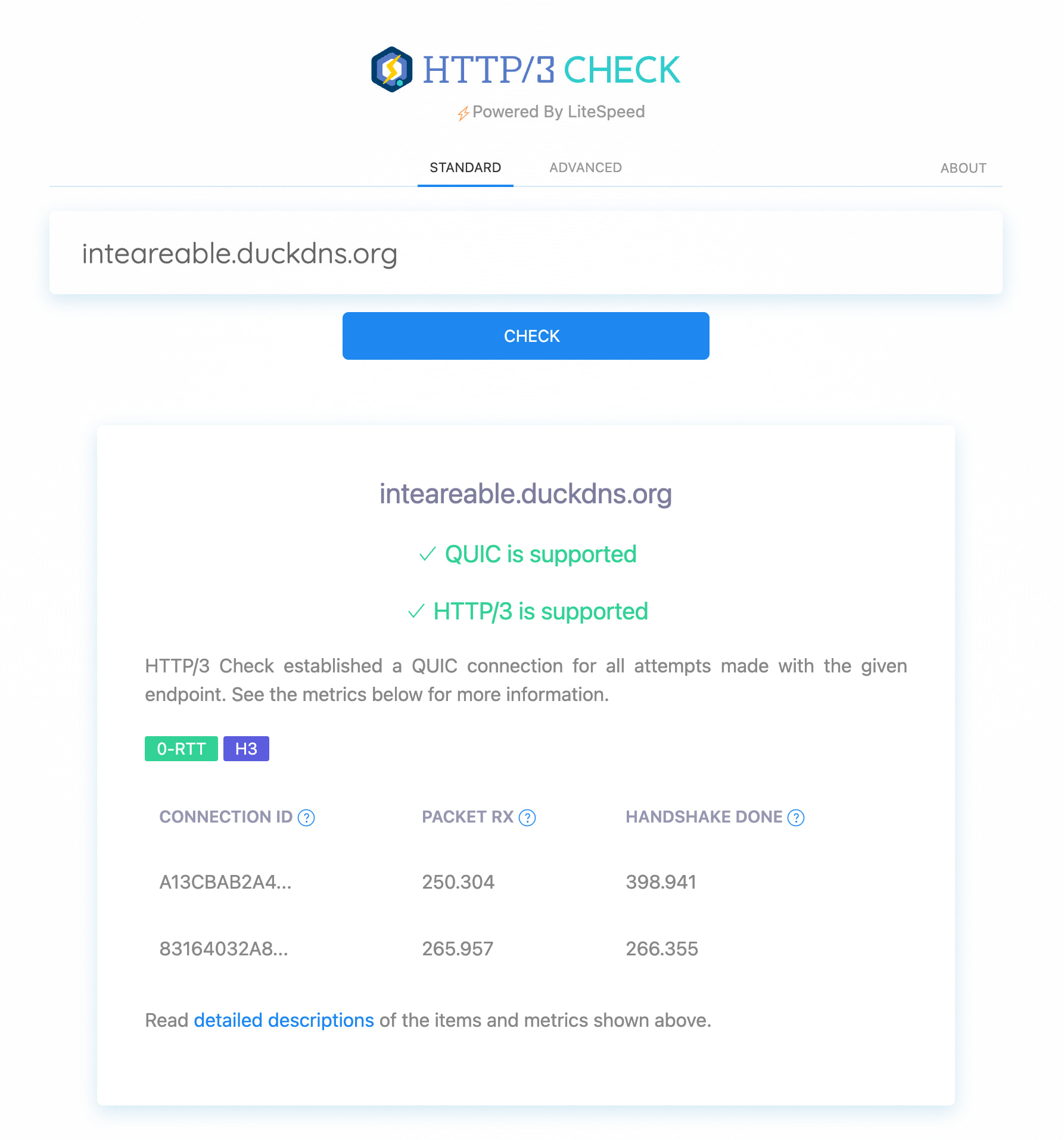
1. The problem I’m having:
I’m trying to enable HTTP/3 (QUIC) for my Caddy server, but I’m stuck with a port advertisement issue.
My setup:
- Caddy v2.11.4 runs on an Android device via Termux, listening on TCP port 8443 (not 443) because Termux cannot bind to privileged ports (<1024) without root.
- On my home router, I have a port forward rule: WAN:443/UDP → LAN:8443/UDP.
- The backend service runs on port 8200 and is proxied by Caddy.
The problem:
Caddy automatically sends the `Alt-Svc: h3=“:8443”` header in its response. This tells the client (browser/curl) to connect via QUIC to port 8443. However, since my router forwards external port 443 to internal port 8443, the client must connect to port 443 from the outside. This mismatch prevents the QUIC handshake from succeeding — the client tries to connect to port 8443, but from the outside that port is not exposed.
What I’ve tried:
- `servers :8443 { protocols h3 }` in Caddyfile — this directive is ignored because HTTP/3 is tied to the main HTTPS port with the TLS certificate.
- `authbind` — doesn’t work for UDP in Termux.
- `setcap` — requires root, which I don’t have.
What I need:
Is there a way to configure Caddy to advertise port 443 in the Alt-Svc header (i.e., `Alt-Svc: h3=“:443”`) while the server itself continues to listen for HTTP/3 on port 8443? I understand this is a common use case when Caddy is behind a load balancer or, in my case, behind a router performing port forwarding. A solution like an `http3_port_advertise` option would be incredibly helpful for environments that restrict binding to privileged ports.
2. Error messages and/or full log output:
QUIC: connection to 90.188.88.11 port 443 refused

QUIC connect to 90.188.88.11 port 443 failed: Could not connect to server

Failed to connect to inteareable.duckdns.org port 443 after 404 ms: Could not connect to server
Caddy logs show:
2026/06/24 08:16:47.180 INFO    maxprocs: Leaving GOMAXPROCS=6: CPU quota undefined
2026/06/24 08:16:47.180 INFO    GOMEMLIMIT is updated   {"GOMEMLIMIT": 7258263552, "previous": 9223372036854775807}
2026/06/24 08:16:47.180 INFO    using config from file  {"file": "caddyfile"}
2026/06/24 08:16:47.180 INFO    adapted config to JSON  {"adapter": "caddyfile"}
2026/06/24 08:16:47.190 INFO    admin   admin endpoint started  {"address": "localhost:2019", "enforce_origin": false, "origins": ["//localhost:2019", "//[::1]:2019", "//127.0.0.1:2019"]}
2026/06/24 08:16:47.193 INFO    tls.cache.maintenance   started background certificate maintenance   {"cache": "0x701f6d7c80"}
2026/06/24 08:16:47.194 INFO    http.auto_https server is listening only on the HTTPS port but has no TLS connection policies; adding one to enable TLS  {"server_name": "srv0", "https_port": 443}
2026/06/24 08:16:47.194 INFO    http.auto_https enabling automatic HTTP->HTTPS redirects{"server_name": "srv0"}
2026/06/24 08:16:47.200 INFO    http    enabling HTTP/3 listener    {"addr": ":443"}
2026/06/24 08:16:47.201 INFO    http.log    server running  {"name": "srv0", "protocols": ["h1", "h2", "h3"]}
2026/06/24 08:16:47.202 WARN    http    HTTP/2 skipped because it requires TLS  {"network": "tcp", "addr": ":80"}
2026/06/24 08:16:47.202 WARN    http    HTTP/3 skipped because it requires TLS  {"network": "tcp", "addr": ":80"}
2026/06/24 08:16:47.202 INFO    http.log    server running  {"name": "remaining_auto_https_redirects", "protocols": ["h1", "h2", "h3"]}
2026/06/24 08:16:47.202 INFO    http    enabling automatic TLS certificate management   {"domains": ["inteareable.duckdns.org"]}
2026/06/24 08:16:47.203 INFO    autosaved config (load with --resume flag)  {"file": "/data/data/com.termux/files/home/.config/caddy/autosave.json"}
2026/06/24 08:16:47.204 INFO    serving initial configuration
2026/06/24 08:16:47.216 INFO    tls storage cleaning happened too recently; skipping for now {"storage": "FileStorage:/data/data/com.termux/files/home/caddy", "instance": "cfacb2f2-57d8-44cd-913f-be88d5df7ae1", "try_again": "2026/06/25 08:16:47.216", "try_again_in": 86399.99999526}
2026/06/24 08:16:47.216 INFO    tls finished cleaning storage units
No errors related to HTTP/3 on port 8443 — it simply doesn’t start because HTTP/3 is not bound to that port.
3. Caddy version:
v2.11.4
4. How I installed and ran Caddy:
a. System environment:
- OS: Android 13+ (Termux environment)
- Architecture: aarch64
- Installation: `pkg install caddy` from Termux official repository
- No root access available
- SELinux: enforcing (typical for Android)
b. Command:
caddy run --config ./caddyfile
c. Service/unit/compose file:
N/A — running manually in Termux.
d. My complete Caddy config:
{
    email leyn.the.cat@gmail.com
}

inteareable.duckdns.org {
    encode gzip
    header {
        Strict-Transport-Security "max-age=15768000; includeSubDomains; preload"
        X-Frame-Options "DENY"
        X-Content-Type-Options "nosniff"
        Alt-Svc "h3=\":443\"; ma=2592000"
    }
    root * /data/data/com.termux/files/home/static
    @static {
        file
        path *.css *.js *.png *.jpg *.svg *.ico *.woff2
    }
    header @static Cache-Control "public, max-age=31536000, immutable"
    file_server
    reverse_proxy 192.168.0.30:8200 {
        flush_interval -1
        header_down Cache-Control "no-cache, no-store, must-revalidate"
        header_down Pragma "no-cache"
        header_down Expires "0"
        transport http {
            read_timeout 30s
            write_timeout 30s
        }
        @upstream_err {
            status 502 503 504
        }
        handle_response @upstream_err {
            respond "Сервер временно недоступен. Попробуйте позже." 503
        }
    }
    handle_errors {
        respond "Что-то пошло не так. Попробуйте зайти позже." 500
    }
}
5. Links to relevant resources:
- [Feature request] HTTP3 custom port and caddyfile option · Issue #4996 · caddyserver/caddy · GitHub
- https://caddy.community/t/experimental-http3-behind-firewall-port-forwarding/