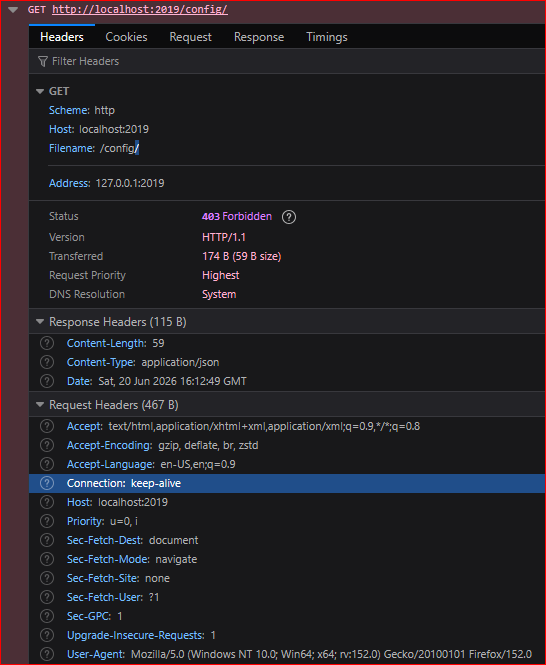
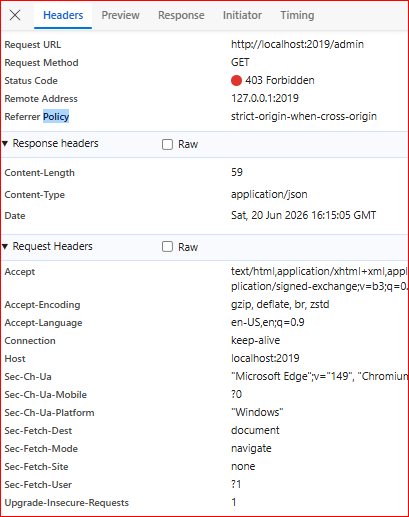
When I browse to the admin page I get an error. I’m on the server machine. The way I read the log, there should be no issue accessing the admin endpoint: 2026/06/13 17:45:17.731 ← [34mINFO<-[0m admin admin endpoint started {“address”: “localhost:2019”, “enforce_origin”: false, “origins”: [“//[::1]:2019”, “``//127.0.0.1:2019``”, “``//localhost:2019``”]}
2. Error messages and/or full log output:
{"error":"client is not allowed to access from origin ''"}

2026/06/13 21:59:52.936 ←[31mERROR←[0m  admin.api       request error   {"error": "client attempted to make request by disabling same-origin policy using no-cors mode", "status_code": 400}
3. Caddy version:
2.11.4 AMD x64
4. How I installed and ran Caddy:
caddy run
a. System environment:
Windows 10 x64
b. Command:
http://localhost:2019/admin
or /config
or /debug
c. Service/unit/compose file:
PASTE OVER THIS HERE IN THIS CODE BLOCK.
Please ensure it looks nice.