Managed to get it working. The trick is to use the root.crt file:

Drag that into KeyChain Access app on the Certificates tab.
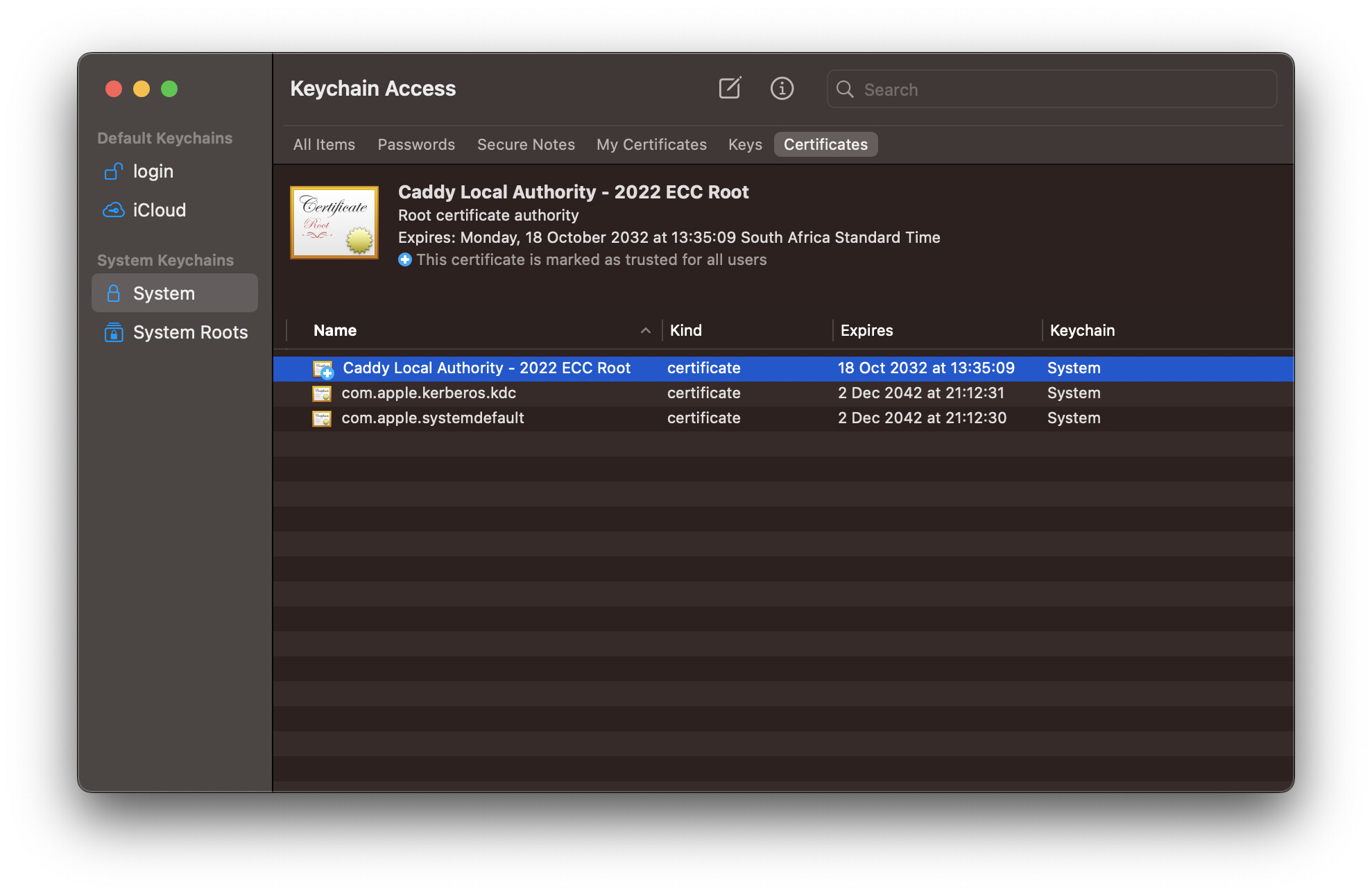
Once you’ve done so, the certificate will be registered but untrusted. To mark it trusted, right-click on the certificate (in KeyChain Access app) and select Get Info and open the Trust expander:

Select Always Trust option.
Then the cert will be marked with the blue plus icon, to indicate as trusted: